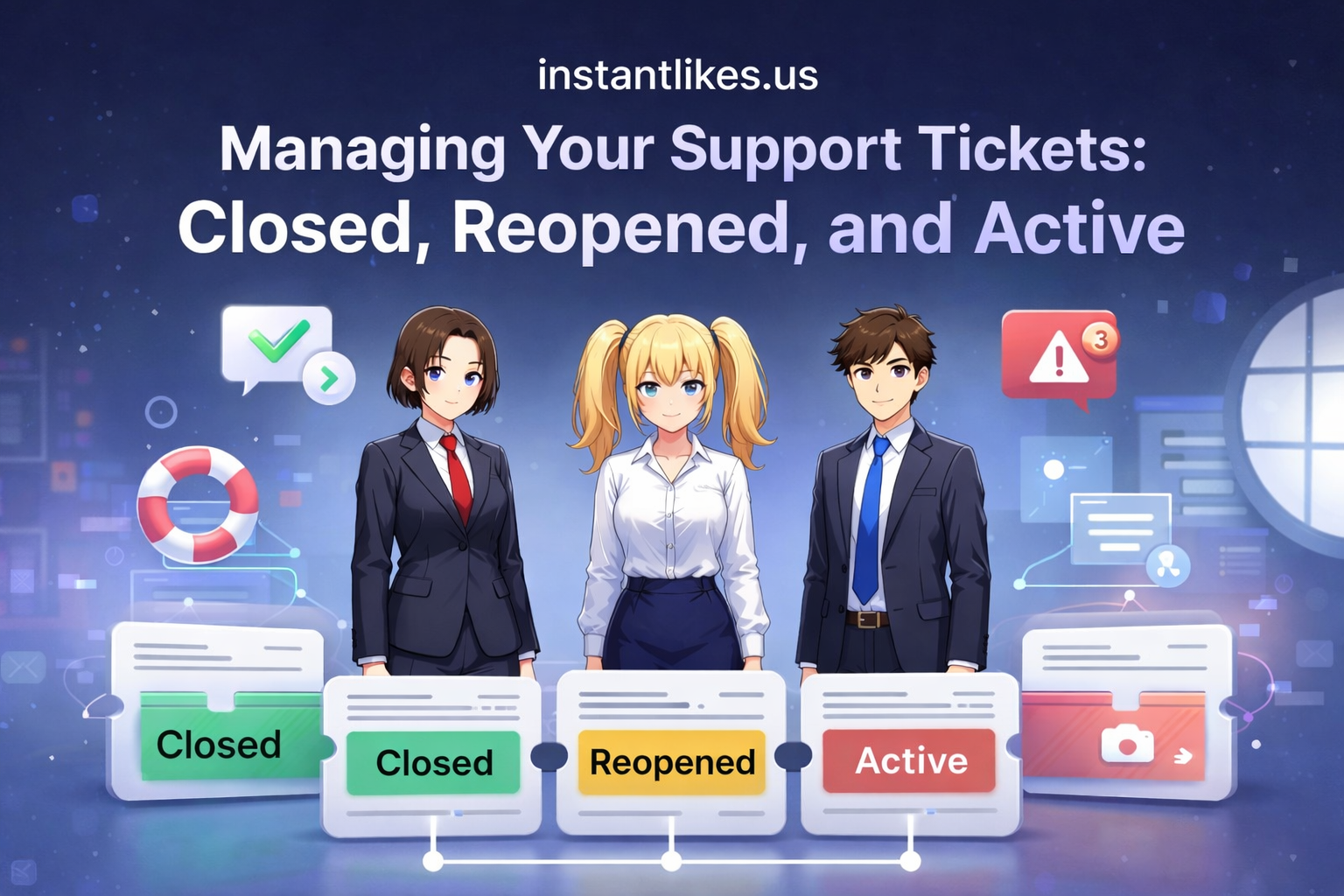
Managing Your Support Tickets: Closed, Reopened, and Active
In today’s fast-moving digital world, customer support plays a major role in building trust. This is especially true for users of SMM panels, where orders, payments, and services must run smoothly. When something goes wrong, support tickets become the main way to communicate and resolve issues.
Many users feel confused when they see terms like active tickets, closed tickets, or reopened tickets. They may not know what each status means or what to do next. This blog explains everything in simple language so you can manage your support tickets confidently, especially when using an SMM panel in 2026.
We will cover what support tickets are, how they work, what closed tickets in SMM panels mean, and how to reopen them if needed.
What Is a Support Ticket in an SMM Panel?
A ticket in an SMM panel is a message you send to the support team when you need help. It could be about:
- Order not delivered
- Wrong service applied
- Payment issues
- Account access problems
- Refund or cancellation requests
Instead of using email or live chat, most SMM panels use a ticket system. This keeps communication organized and ensures your issue is properly tracked until it is resolved.
Once you submit a ticket, it becomes part of your account history. You can view it anytime and check updates from the support team.
Why Support Tickets Matter
Support tickets are important because they:
- Create a written record of your issue
- Help support teams respond faster
- Reduce confusion and repeated questions
- Protect both users and service providers
In SMM panels, where multiple orders and payments happen daily, tickets ensure nothing gets lost or ignored.
Understanding Ticket Status: Active, Closed, and Reopened
Every support ticket has a status. This tells you what stage your request is in. Let’s break them down.
1. Active Tickets
An active ticket means your request is still open and under review. This could mean:
- You have just submitted it
- Support is working on your issue
- They are waiting for more information from you
As long as the ticket is active, you can reply to it, add details, or upload screenshots.
What to do:
Check your ticket regularly and respond quickly if the support team asks for more details. This helps speed up the resolution process.
2. Closed Tickets in SMM Panel
A closed ticket means the support team believes the issue has been resolved. This could be because:
- Your order was completed
- A refund was processed
- Your problem was fixed
- You did not respond within a certain time
Closed tickets in SMM panels are not deleted. They remain in your account so you can view them later if needed.
Important:
A closed ticket does not always mean the problem is permanently solved. Sometimes users realize later that the issue still exists or a new problem has appeared.
3. Reopened Tickets
A reopened ticket is a closed ticket that has been opened again because the issue was not fully resolved or a new concern came up.
Most SMM panels allow users to reopen closed tickets instead of creating a new one. This helps keep the conversation in one place and saves time.
What to do:
If your issue is not fixed, reopen the ticket and explain clearly what is still wrong. This helps the support team understand the situation faster.
How to Check Your Ticket Status
Checking your ticket status is simple:
- Log in to your SMM panel account
- Go to the Support or Tickets section
- You will see a list of all your tickets
- Each ticket will show its status: active, closed, or reopened
This section also shows the date, subject, and latest reply.
How to Reopen Closed Tickets in SMM Panel
If you feel your issue is not resolved, follow these steps:
- Go to your Closed Tickets section
- Open the ticket you want to continue
- Click the Reopen or Reply button
- Write your message clearly and politely
- Submit your response
Once reopened, the ticket becomes active again, and the support team will review it.
When Should You Reopen a Ticket?
You should reopen a ticket if:
- Your order is still incomplete
- You received the wrong service
- The issue returned after being fixed
- You were promised a solution that didn’t happen
- You have new evidence or details
Reopening a ticket is better than creating a new one because it keeps all information in one place.
When Should You Create a New Ticket?
Sometimes, it is better to create a new ticket instead of reopening an old one. For example:
- Your issue is completely different
- The old ticket is very old and unrelated
- You are facing a new type of problem
In such cases, a new ticket helps support teams handle your request more efficiently.
Best Practices for Writing a Support Ticket
To get faster and better support, follow these tips when writing a ticket in an SMM panel:
1. Be Clear and Specific
Explain your issue in simple words. Avoid long or confusing sentences.
2. Include Order Details
Always mention:
- Order ID
- Service name
- Date of purchase
This helps support teams locate your order quickly.
3. Attach Proof if Needed
If possible, upload screenshots or transaction IDs to support your claim.
4. Be Polite and Professional
A respectful tone increases your chances of receiving helpful support.
5. Avoid Sending Multiple Tickets for the Same Issue
This can slow down the response process and cause confusion.
Common Ticket Issues in SMM Panels
Here are some of the most common reasons users submit tickets:
- Order stuck or not delivered
- Partial delivery
- Wrong link submitted
- Payment deducted but order not placed
- Service dropped after delivery
- Refund or cancellation request
Knowing these common issues helps you describe your problem more accurately.
How Long Does It Take for Tickets to Be Resolved?
Response time depends on:
- The panel’s support team size
- The type of issue
- The volume of requests
Most SMM panels aim to respond within 24 to 48 hours. Some issues are resolved quickly, while others may take longer if technical checks are needed.
The Role of Support Tickets in SMM Panel 2026
As we move into SMM panel 2026, support systems are becoming more organized and user-friendly. Panels now focus on:
- Faster ticket response times
- Clear ticket status updates
- Easier ticket reopening options
- Better communication between users and support teams
Modern SMM panels understand that strong customer support is essential for long-term success.
How Proper Ticket Management Benefits Users
Managing your tickets properly offers many advantages:
- Faster problem resolution
- Less stress and confusion
- Better record-keeping
- Improved communication with support teams
- Higher satisfaction with the service
By understanding how closed tickets in SMM panels work and how to reopen them, you stay in control of your account and services.
How Proper Ticket Management Benefits SMM Panel Owners
Support tickets also help panel owners by:
- Organizing customer requests
- Tracking common issues
- Improving service quality
- Reducing repeated complaints
- Building customer trust
A well-managed ticket system improves both user experience and business reputation.
Mistakes to Avoid When Managing Tickets
Here are some common mistakes users make:
- Sending incomplete information
- Using rude or aggressive language
- Reopening tickets without explanation
- Creating multiple tickets for the same issue
- Ignoring replies from support
Avoiding these mistakes helps ensure smooth and fast support.
Final Thoughts
Support tickets are a vital part of any SMM panel. Understanding how active, closed, and reopened tickets work helps you solve problems faster and avoid frustration. Instead of feeling confused when you see a closed ticket, you now know exactly what it means and what steps to take next.
As SMM panel 2026 continues to evolve, support systems will become even more efficient. By learning how to manage your tickets properly today, you set yourself up for smoother service and better results tomorrow.
If you need help, never hesitate to use the ticket system. Clear communication and proper ticket management make all the difference.
1. What does “closed ticket” mean in an SMM panel?
A closed ticket means the support team believes the issue has been resolved or no further action is required.
2. Can I reopen a closed ticket?
Yes, most SMM panels allow you to reopen closed tickets if the issue is not resolved.
3. How many times can I reopen a ticket?
There is usually no limit, but it’s best to reopen only when necessary and provide clear reasons.
4. Should I create a new ticket or reopen an old one?
Reopen the old one if the issue is related. Create a new one if the problem is different.
5. How long does it take for support to reply?
Most panels reply within 24–48 hours, depending on the issue and workload.
6. Can I view my old tickets?
Yes, all your tickets remain saved in your account for future reference.